Probably Stolen Controls and Rotate Items Guide
To rotate an item, pick it up and use mouse wheel up or down; use middle click to flip it. Those are the official dragged-item controls from UPDATE 049. Rotation only applies while the item is attached to the cursor, and automatic rotation during sorting is a separate option.
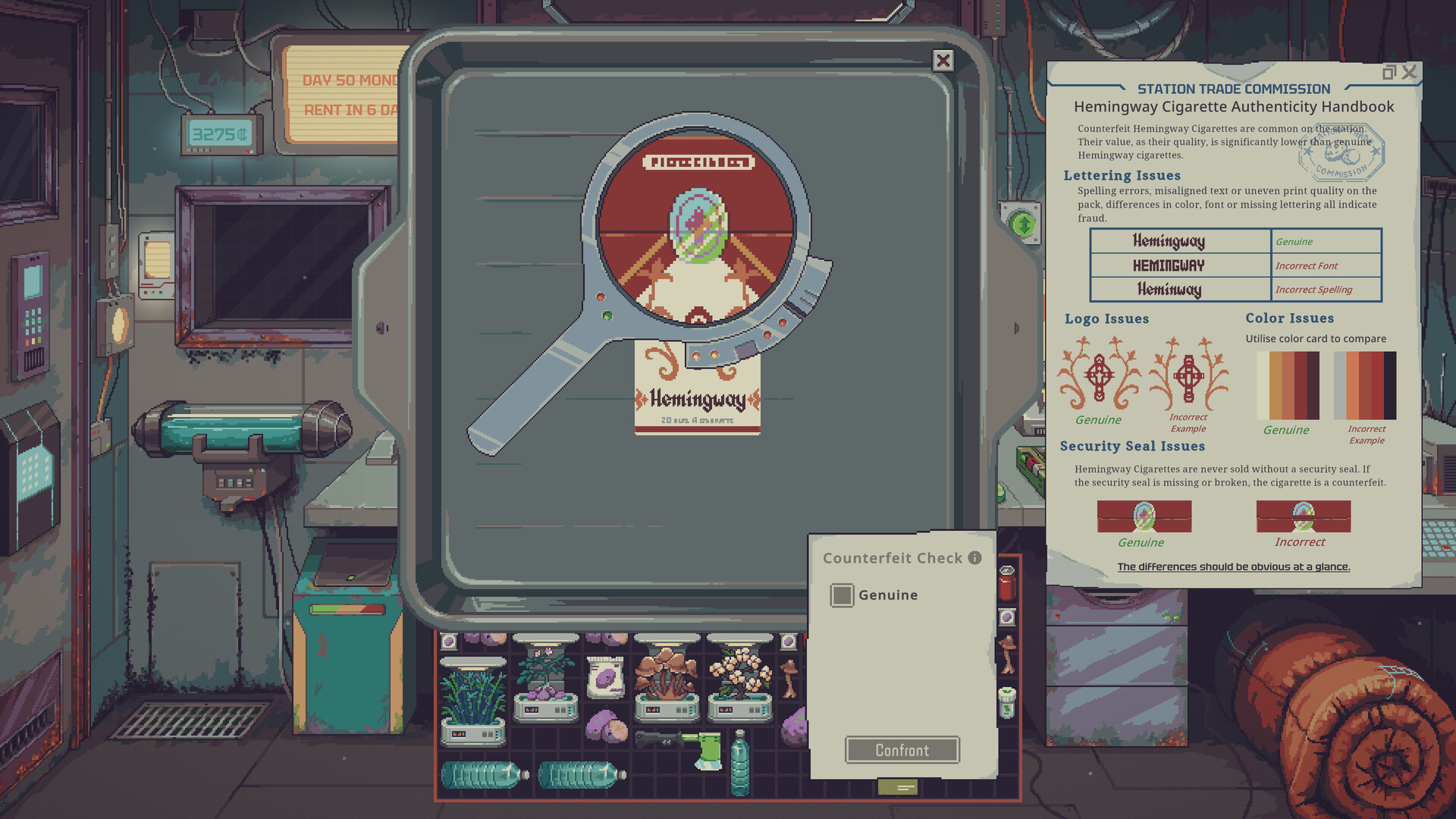
Rotate and flip items while dragging
Start by dragging the item. The official control update assigns three mouse actions while an item is held:
- Mouse wheel up: rotate in one direction.
- Mouse wheel down: rotate in the other direction.
- Middle click: flip the item.
This matters for irregular shapes and crowded inventories. If scrolling seems to do nothing, verify that the item is actively being dragged rather than merely hovered. Also check whether another window or text field currently has focus.
Manual rotation is not the same as the sorting option. Hotfix 1.0.0.5 made auto-rotate while sorting off by default for new players. That setting controls whether the sort operation changes orientation; it does not remove the held-item mouse actions.
Move several items and sort inventories
UPDATE 049 added multi-item selection. Drag across the grid to draw the bright selection box, then move the selected group together. When moving a group into a different inventory, hold Shift while dragging for precise placement.
Open the sorting menu
Right-click a grid inventory to open its contextual sorting menu. Sorting is a grid action, so right-click an empty area of the inventory rather than an item that opens its own interaction menu.
Close stacked windows in order
Pressing Esc closes the most recently used item window or paper interface first. Container items such as Storage Bays can also be double-clicked to close. Version 1.0.0.6 added a second rebindable Menu / Back action that performs the same job as Esc.
Send an owned item to the trash
While hovering an item you own inside the store, Delete sends it to the trash bin. Treat this as a destructive shortcut: check the hovered item before pressing it, especially when several windows overlap.
Use Toolbox shortcuts 1–9
The official update says the Toolbox stores tools, including the blue and red labelers. Pressing keys 1 through 9 equips the tool in the matching slot. In UPDATE 049, the Toolbox could be bought from Dr. Jackson after day 14.
The number keys are Toolbox slots, not a universal hotbar for every loose object. Put the inspection or labeling tools you repeatedly use into stable slots, then keep that order consistent so the same key performs the same job during customer checks.
This availability detail belongs to UPDATE 049. A later scenario, patch, or mod may change how an individual run reaches the item, so use the current in-game contact and item description if they disagree with the historical update note.
Call or dismiss a customer with the bell key
Hotfix 1.0.0.5 added a rebindable action named Call next customer (Bell). Its default key is B. Tapping it calls the next customer; holding it dismisses the current customer, the same as holding the on-screen bell.
If B does not work, open Options and inspect the current binding before assuming the feature is broken. The action is explicitly rebindable, so a customized profile may use another key.
Troubleshoot controls that do not respond
Work through the context before changing several bindings at once:
- Confirm the correct window or inventory has focus.
- For rotation, make sure the item is being dragged.
- For sorting, right-click the grid rather than an item.
- For Toolbox keys, confirm the tool is inside the matching Toolbox slot and the Toolbox is within reach.
- For the bell, check the current
Call next customer (Bell)binding in Options. - If a text field is active, leave it before testing gameplay hotkeys.
This page intentionally does not invent a complete key table that the official patch notes do not publish. Use the Options screen as the final authority for actions that can be rebound.
FAQ
Why does the mouse wheel not rotate an item?
The official action applies while the item is being dragged. Pick it up first, then scroll. Hovering an item without dragging it is not the same control state.
Why did sorting stop rotating items?
Auto-rotate during sorting is off by default for new players since 1.0.0.5. That does not disable manual rotation while dragging; inspect the sorting option if you want the sort command to change orientation.
Can I change the bell shortcut?
Yes. The 1.0.0.5 action is rebindable and defaults to B. Holding the assigned key dismisses the current customer.